
Switching to a feature-branch workflow with pull requests is a great move for team collaboration, code review, and better CI/CD practices. Here’s how you can transition our Rails 8 app to a proper CI/CD pipeline using GitHub and GitHub Actions.
🔄 Workflow Change: Feature Branch + Pull Request
1. Create a new branch for each feature/task:
git checkout -b feature/feature-name
2. Push it to GitHub:
git push origin feature/feature-name
3. Open a Pull Request on GitHub from feature/feature-name to main.
4. Enable branch protection (optional but recommended):
Note: You can set up branch protection rules in GitHub for free only on public repositories.
About protected branches
You can protect important branches by setting branch protection rules, which define whether collaborators can delete or force push to the branch and set requirements for any pushes to the branch, such as passing status checks or a linear commit history.
You can create a branch protection rule in a repository for a specific branch, all branches, or any branch that matches a name pattern you specify with fnmatch syntax. For example, to protect any branches containing the word release, you can create a branch rule for *release*
- Go to your repo → Settings → Branches → Protect
main. - Require pull request reviews before merging.
- Require status checks to pass before merging (CI tests).
Check the link in your github account: https://github.com/<user-name>/<repo-name>/settings/branch_protection_rules/new
For creating the branch protection rules, you need to take the github business account OR Move your work into an organization (https://github.com/account/organizations/new).

GitHub Actions
Basically github actions allow us to run some actions (ex: testing the code) if an event occurs during the code changes/commit/push (it mostly related to a branch).
Our Goal: When we push to a feature branch test the code before merging it to the main branch so that we can ensure nothing is broken before going the code into live.
You can try the VS Code plugin for helping the Github Actions workflow (best for auto-complete the data we needed and auto-populate the env variables etc from our github account):
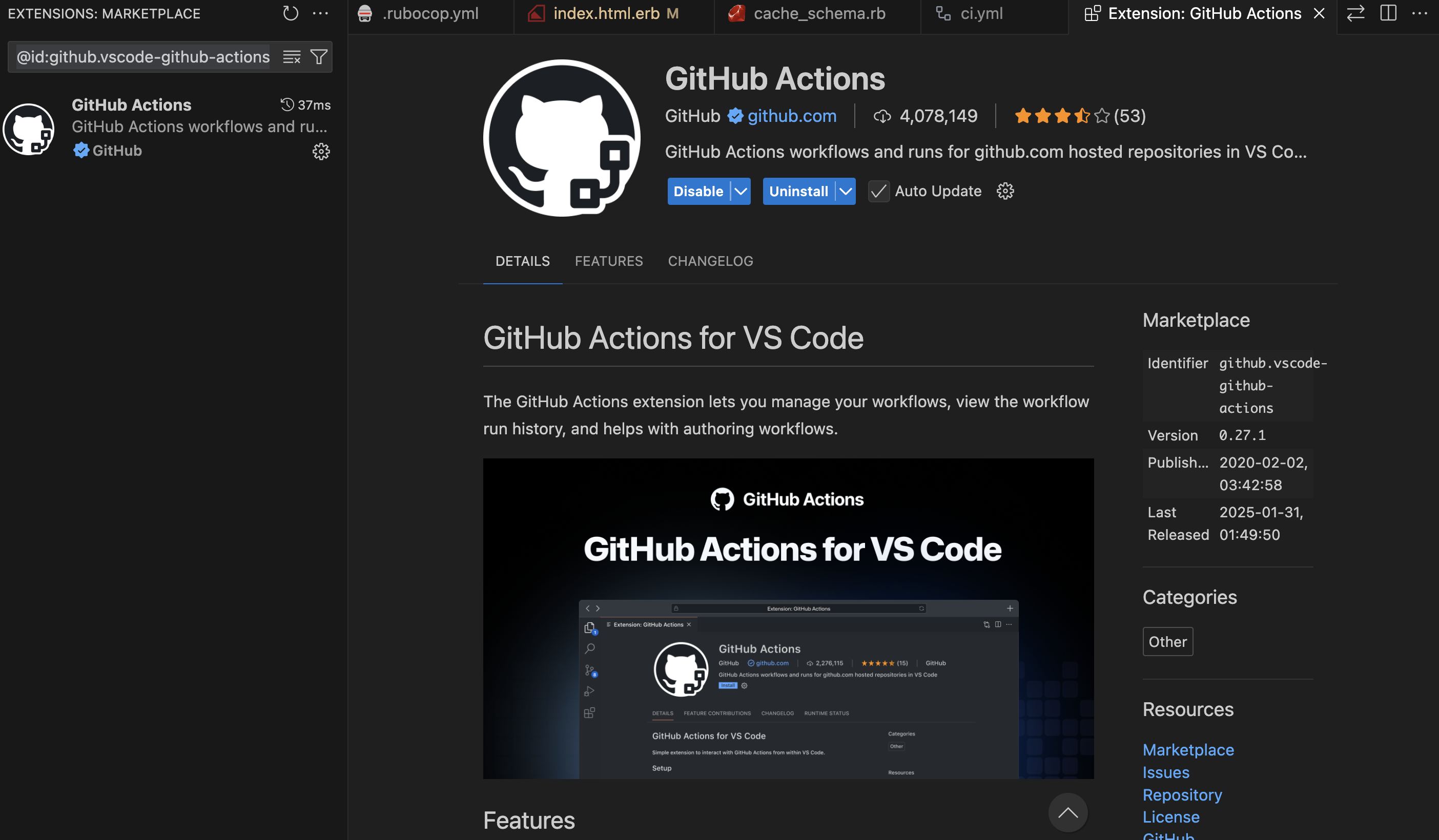
Sign in using your github account and grant access to the public repositories.
If you try to push to main branch, you will find the following error:
remote: error: GH006: Protected branch update failed for refs/heads/main.
remote:
remote: - Changes must be made through a pull request.
remote:
remote: - Cannot change this locked branch
To github.com:<username>/<project>.git
 ! [remote rejected] main -> main (protected branch hook declined)
We will be finishing Database and all other setup for our Web Application before starting CI/CD setup.
For the next part of CI/CD configuration check the post: https://railsdrop.com/2025/05/06/rails-8-ci-cd-setup-with-github-actions/
Let’s Start to Use VS Code Co-pilot For Test Creation/Execution
Test cases are Important for CI/CD setup. Our main focus will be running Rails test cases when integrating CI.
- Generate Test using Co-pilot From Controller

- Co-pilot Creates Tests

- Co-pilot run Tests
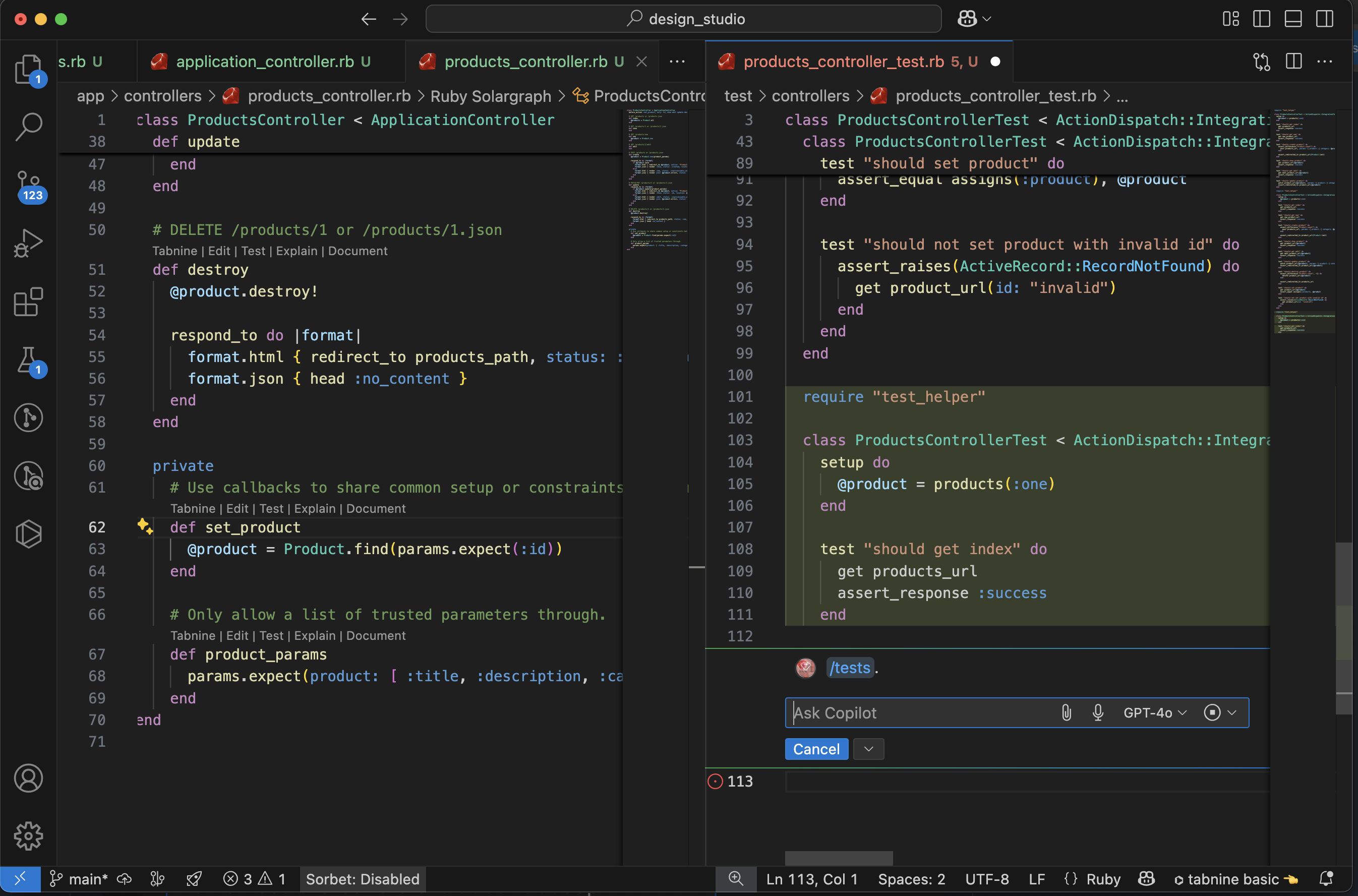
- Use Co-pilot to Fix Test Failures

- Test Results: Pending Migrations
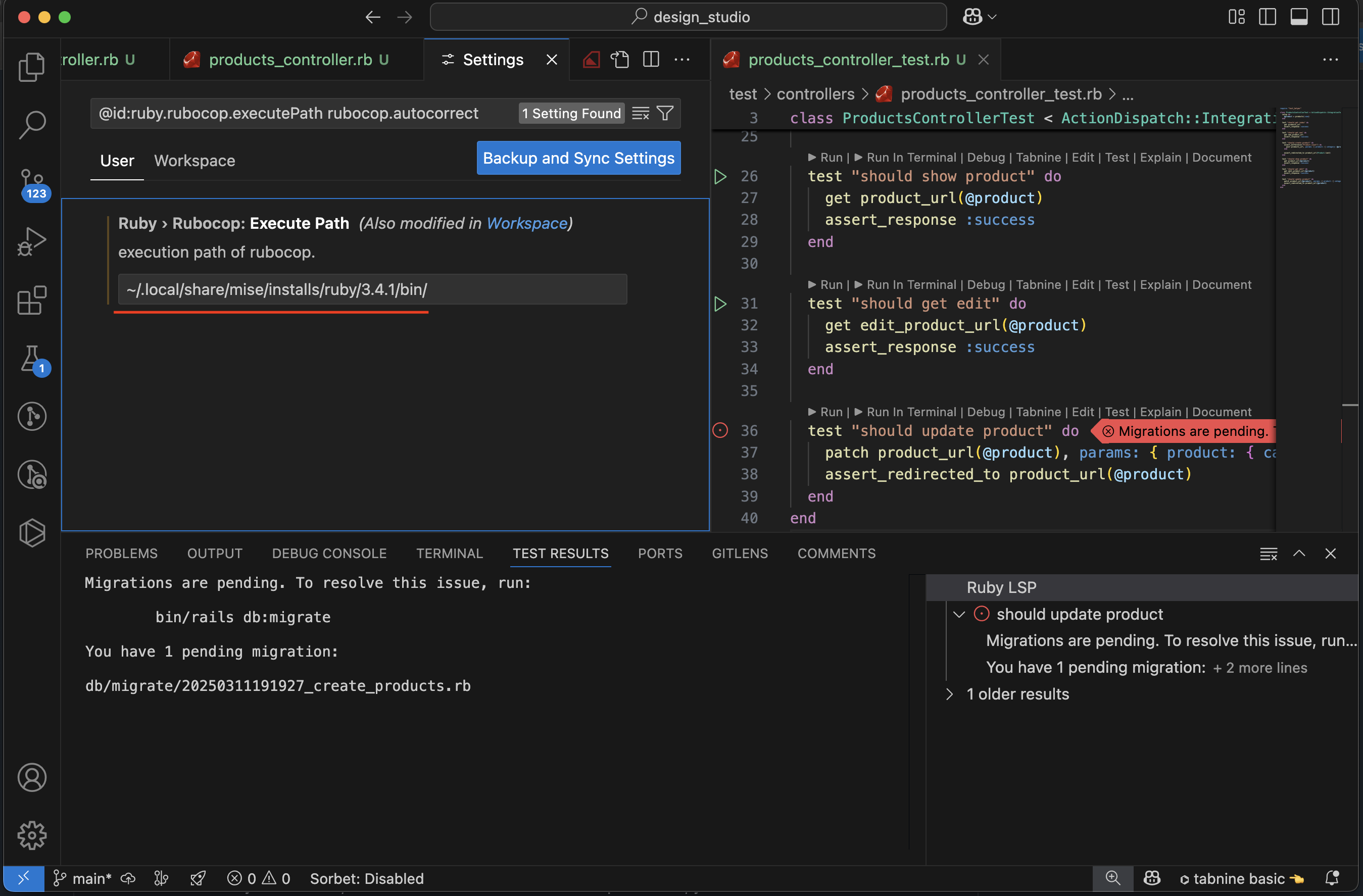
- Test Success: After Migration

- VS Code: Check ruby Lint Symbol for details

- VS Code try to run Tests: Rubocop Path Issue
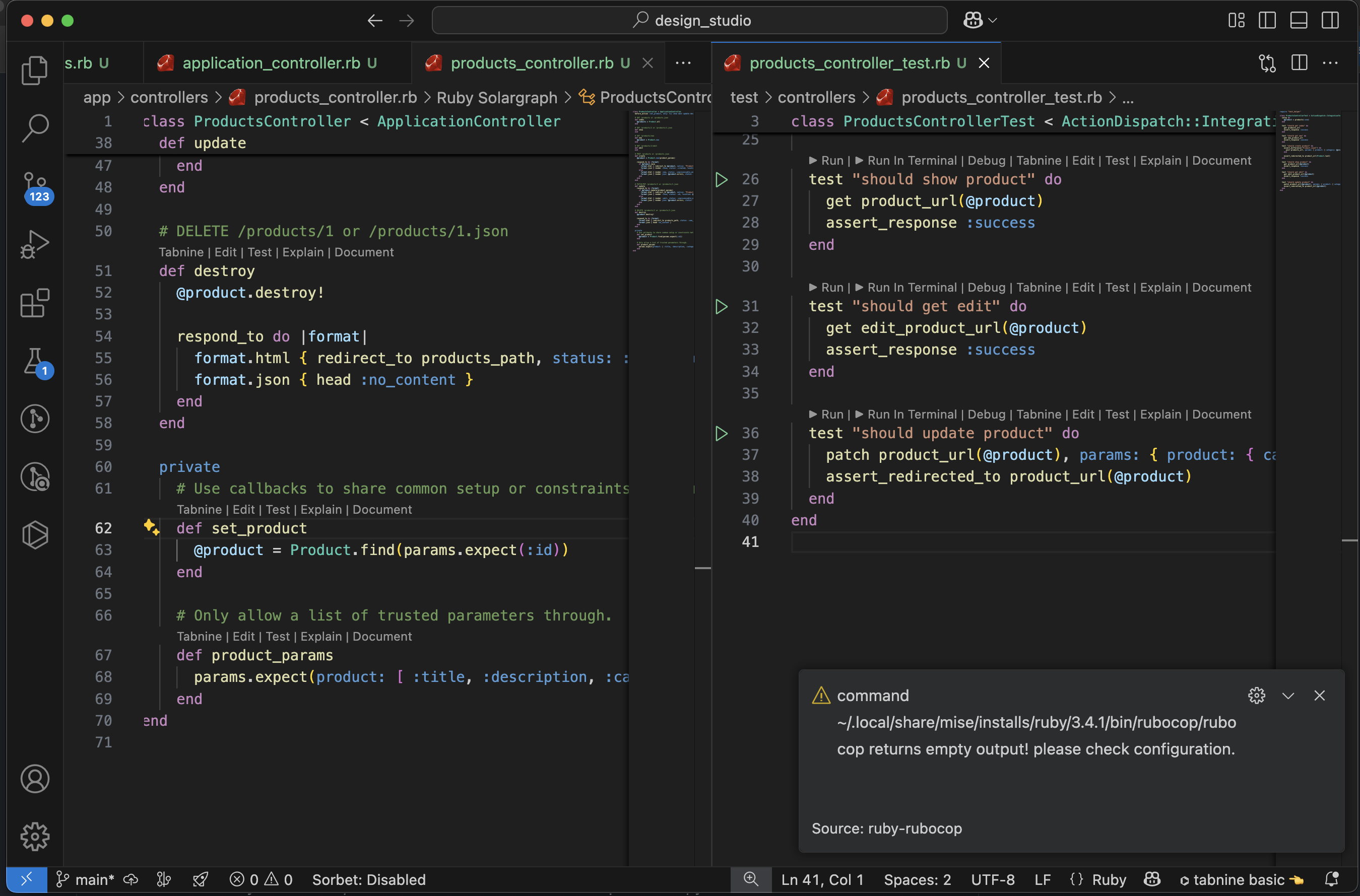
- Fixed Rubocop Issue: All Test passes


 The Rails Drop
2 thoughts on “Setup 🛠 Rails 8 App – Part 9: Setup ⚙️ CI/CD with GitHub Actions | Run Test Cases via VS Code Co-pilot”