
Cursor AI is an innovative AI-powered code editor developed by Anysphere Inc., designed to enhance developer productivity by integrating advanced artificial intelligence features directly into the coding environment. It is a fork of Visual Studio Code with additional AI features like code generation, smart rewrites, and codebase queries. (Wikipedia)

What is Cursor AI?
Cursor AI is a smart code editor that assists developers in writing, debugging, and optimizing code. It offers AI-powered suggestions, real-time error detection, and the ability to interact with existing code through natural language prompts. This makes it a valuable tool for both experienced developers and newcomers to programming.(Reddit)
The Evolution of Cursor AI
Cursor AI was founded in early 2022 by four MIT graduates: Michael Truell, Sualeh Asif, Arvid Lunnemark, and Aman Sanger. Initially focusing on mechanical engineering tools, the team pivoted to programming after identifying a larger opportunity and aligning with their expertise. (Medium, lennysnewsletter.com)
Launched in 2023, Cursor AI quickly gained traction, reaching $100 million in annual recurring revenue within 12 months, making it one of the fastest-growing SaaS startups. By April 2025, the company achieved a $9 billion valuation following a $900 million funding round. (productmarketfit.tech, Financial Times)
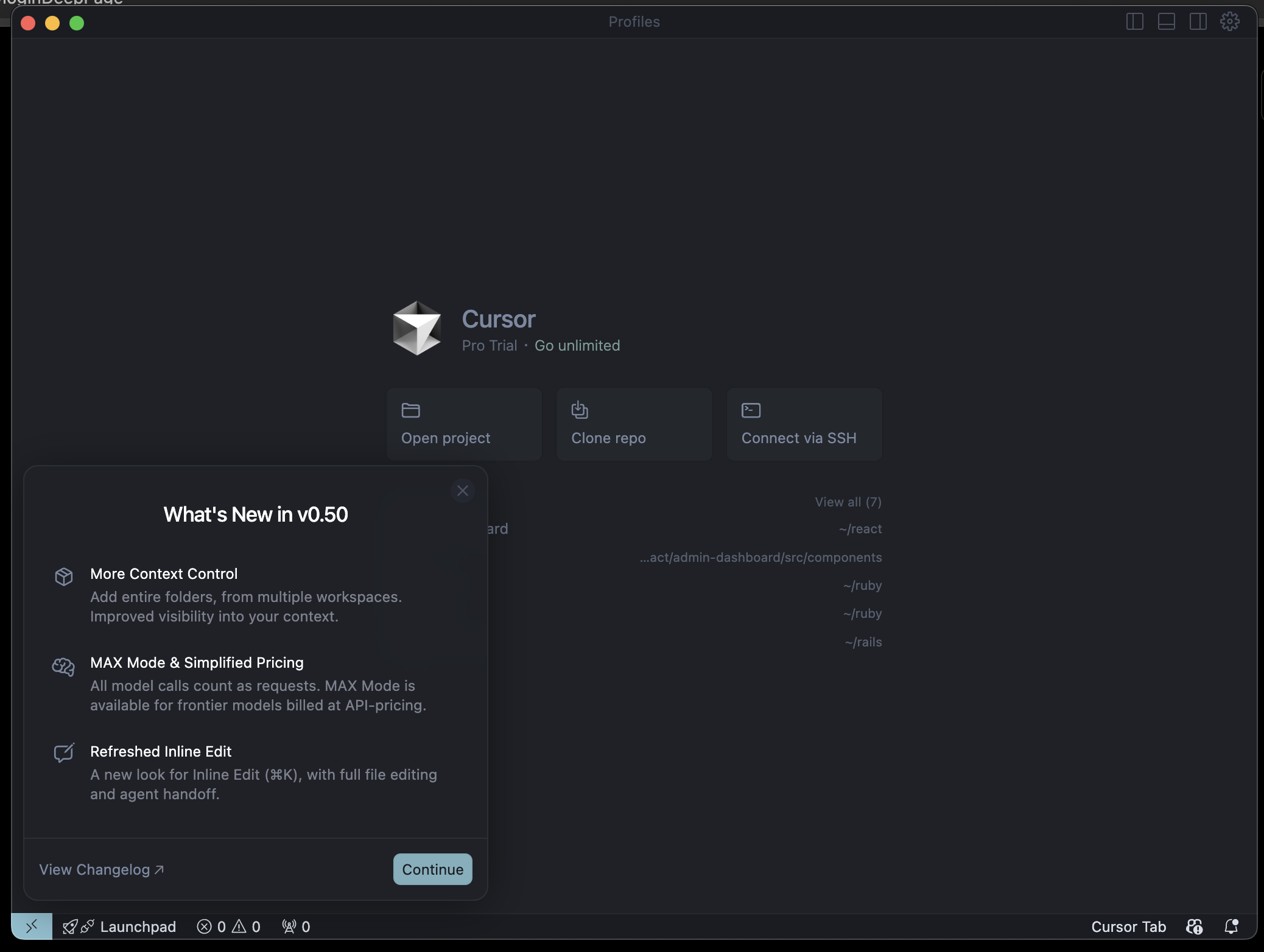
Installing Cursor AI on macOS
To install Cursor AI on your MacBook:
- Download: Visit the Cursor Downloads page and select the appropriate version for your Mac (Universal, Arm64, or x64).(Cursor)
- Install: Run the downloaded installer and follow the on-screen instructions.
- Launch: After installation, open Cursor from the Applications folder.(apidog)
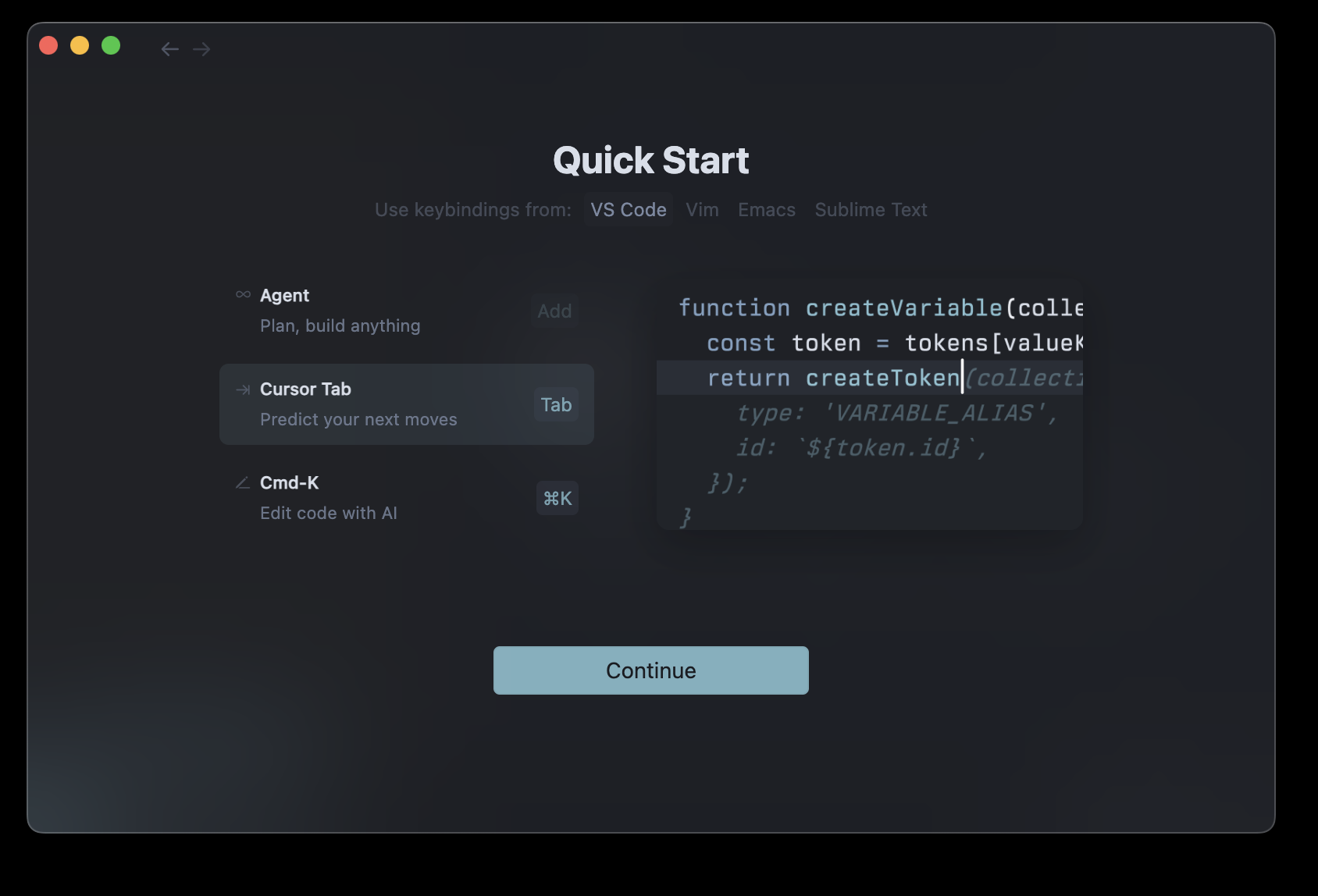
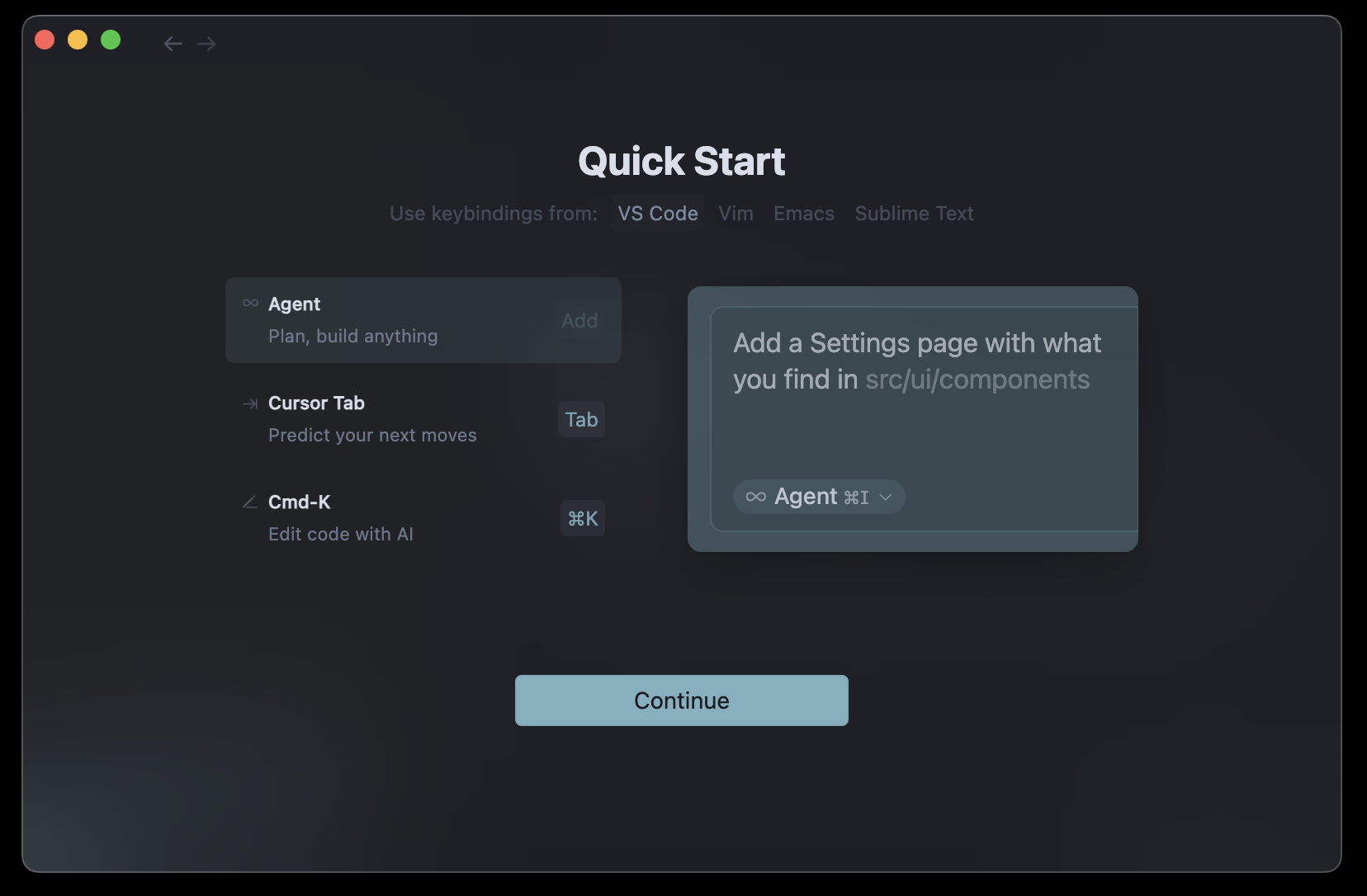
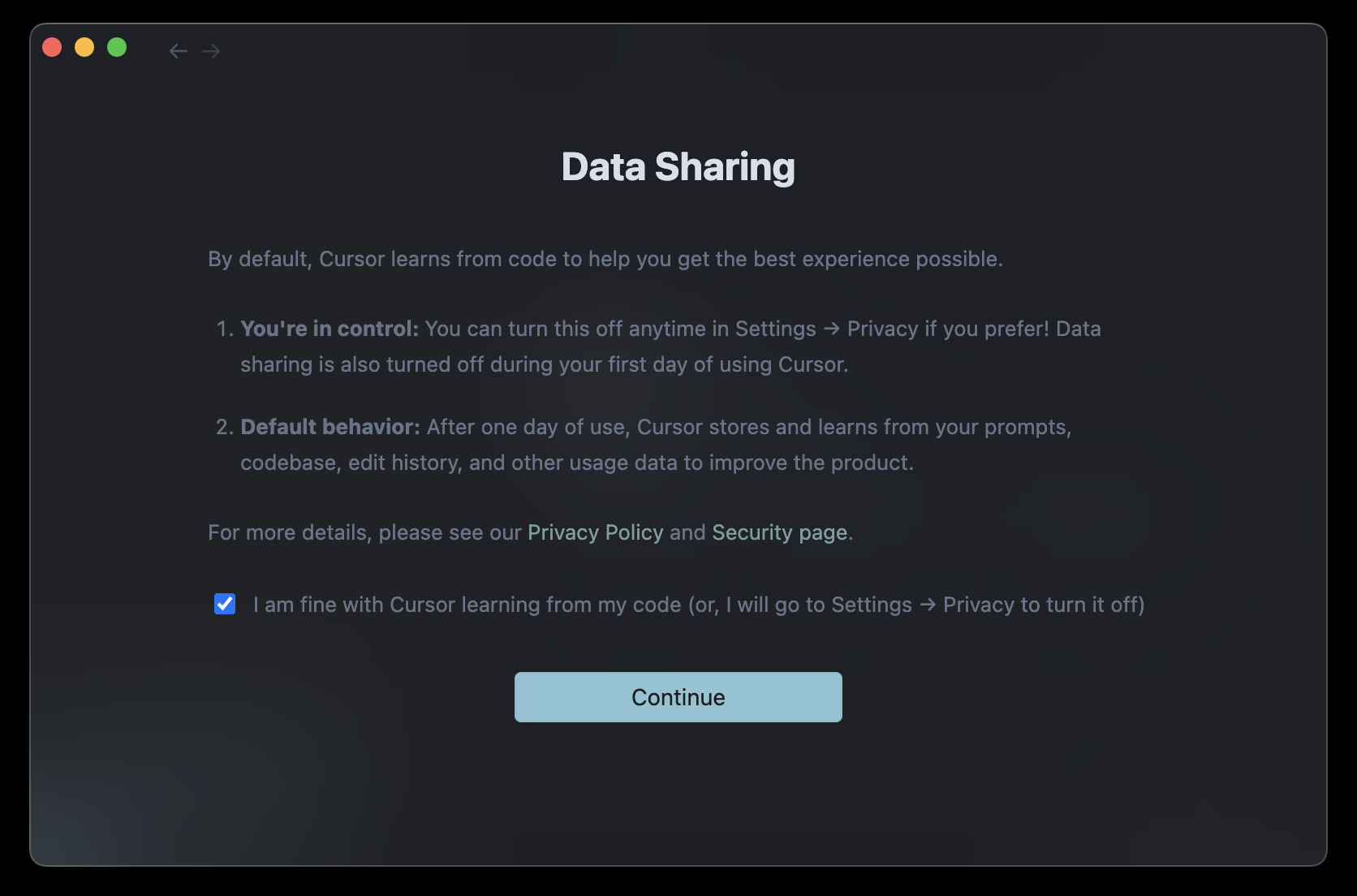
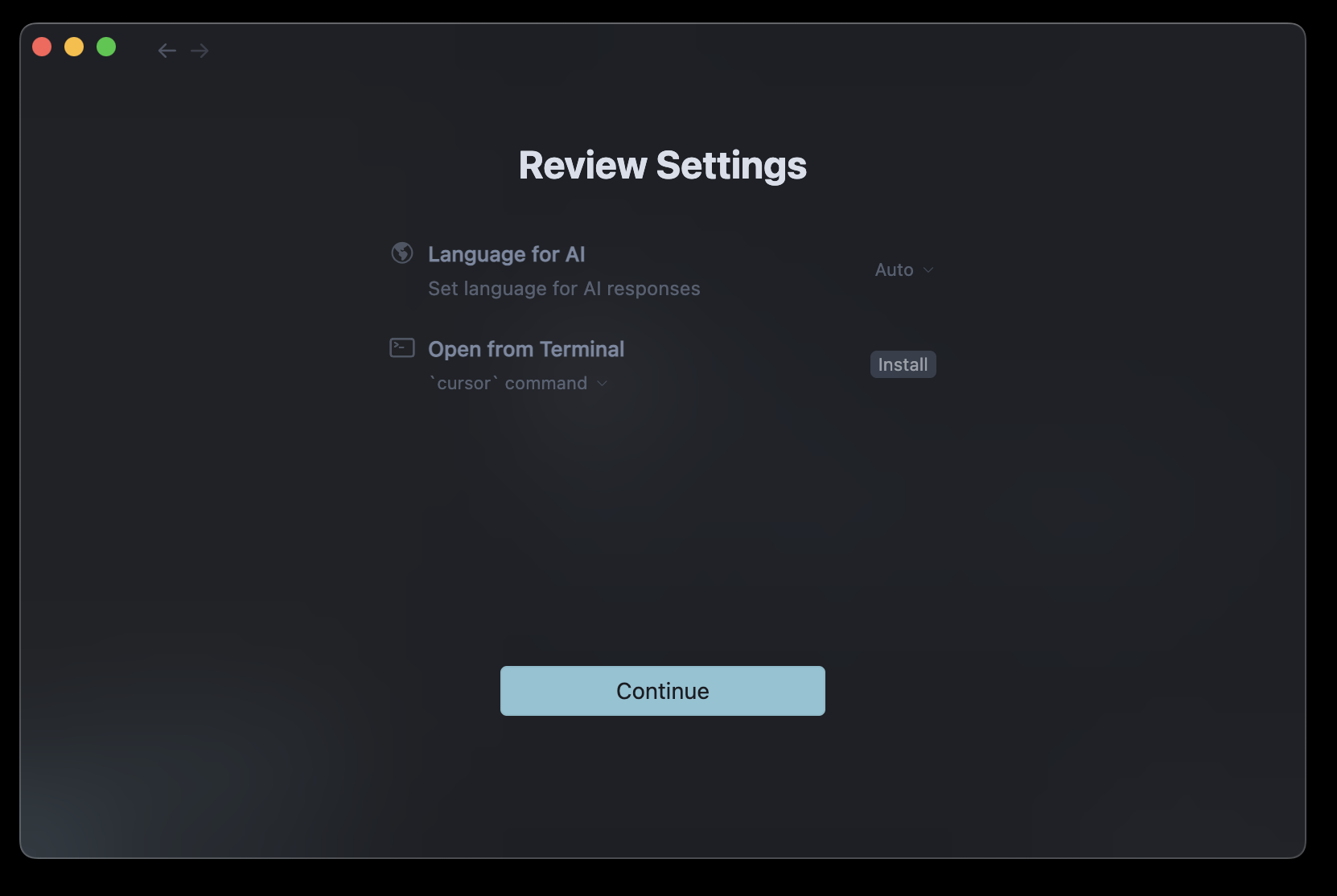
- Setup: On first launch, you’ll be prompted to configure settings to get started. (Cursor)
For a visual guide, you can refer to this tutorial:

How to Install Cursor AI on macOS ↗️
Useful shortcuts: cmd + L, cmd + K




The Importance of Cursor AI in Modern Coding
In today’s fast-paced development environment, tools that enhance productivity are invaluable. Cursor AI stands out by integrating AI directly into the coding process, allowing developers to:(Reddit)
- Generate code snippets based on natural language prompts.
- Refactor and debug code efficiently.(Rapid Dev)
- Understand and navigate complex codebases with ease.
This integration reduces the cognitive load on developers, allowing them to focus on higher-level problem-solving. (fine.dev)
Software Development With and Without Cursor AI
Without Cursor AI:
- Manual coding and debugging.(Builder.io)
- Time-consuming code reviews.(YouTube)
- Limited assistance in understanding unfamiliar codebases.(Reddit)
With Cursor AI:
- Automated code generation and suggestions.
- Faster identification and resolution of bugs.
- Enhanced collaboration through AI-assisted code reviews.
The integration of AI into the development process streamlines workflows and accelerates project timelines.
Advantages and Disadvantages of Using Cursor AI
Advantages:
- Increased productivity through AI-assisted coding.
- Improved code quality with real-time suggestions.
- Enhanced learning for new developers.
Disadvantages:
- Steep learning curve for those unfamiliar with AI tools.(Medium)
- Potential over-reliance on AI, leading to reduced manual coding skills.(Financial Times)
- Challenges in handling large-scale, complex projects. (docs.kanaries.net)
Impact on Experienced vs. New Developers
New Developers:
- Benefit from real-time feedback and suggestions.
- Accelerated learning curve.(productmarketfit.tech)
- Ability to build applications with minimal prior experience.
Experienced Developers:
- Enhanced efficiency in coding and debugging.
- Ability to focus on complex problem-solving tasks.
- Potential to mentor juniors more effectively using AI tools.
Best Practices for Experienced Developers Using Cursor AI
Steps to Follow:
- Define Clear Objectives: Start with a clear understanding of the task at hand.
- Use AI for Repetitive Tasks: Leverage Cursor AI for boilerplate code and routine functions.
- Review AI Suggestions: Always review and understand AI-generated code before integration.(Rapid Dev)
- Integrate with Testing: Use test-driven development to ensure code reliability. (Builder.io)
What Not to Do:
- Avoid blind reliance on AI suggestions without understanding the underlying code.
- Do not neglect code reviews and testing.
- Refrain from using AI for tasks that require deep domain expertise without proper oversight.
Happy AI Coding! 🚀
 The Rails Drop