
Sign up using e-mail and a password.
http://heroku.com/
Then Heroku asks to check our mail and continue. Install git. Then Install heroku gem.
$ gem install heroku
Create SSH keys and tell Heroku the public key by
$ heroku keys:add
Create a new application in Heroku
$ heroku create
Then Heroku creates a random sub domain for our application. We can change it as we like. Then deploy the app to Heroku by
$ git push heroku master
Now we can visit our application by using the address.
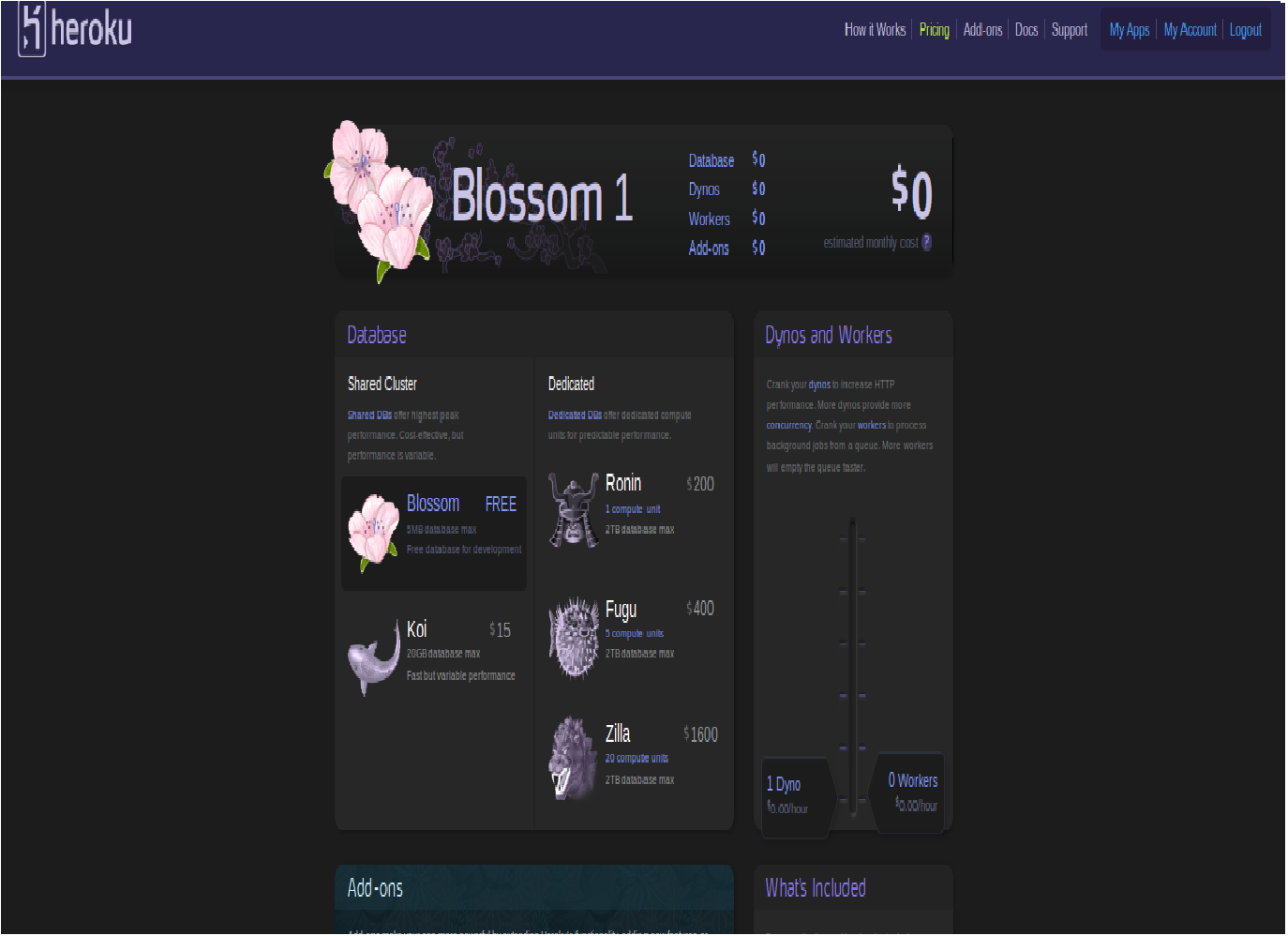
Heroku provides different plans to deploy the application and for using the database space. Here the plan is Blossom. It is free and can take 5MB database maximum.

 The Rails Drop