
Step 1. Download it from
Download from here:
https://liferay.dev/project/-/asset_publisher/TyF2HQPLV1b5/content/ide-installation-instructions

Extract it to your /home directory
Step 2. run the installer
./LiferayProjectSDKwithDevStudioCommunityEdition-201910152009-linux-x64-installer.run
You can see the steps involving the process below.
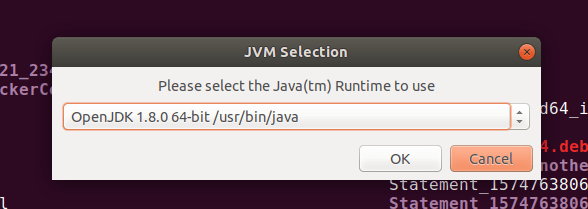
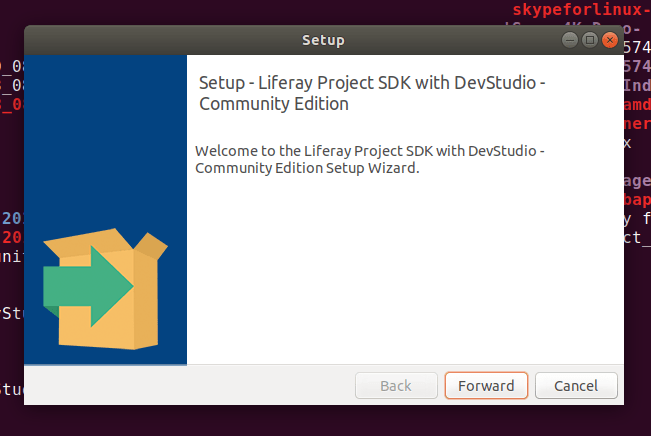


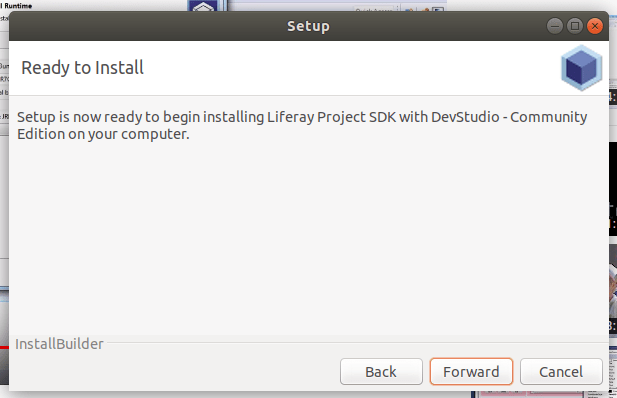
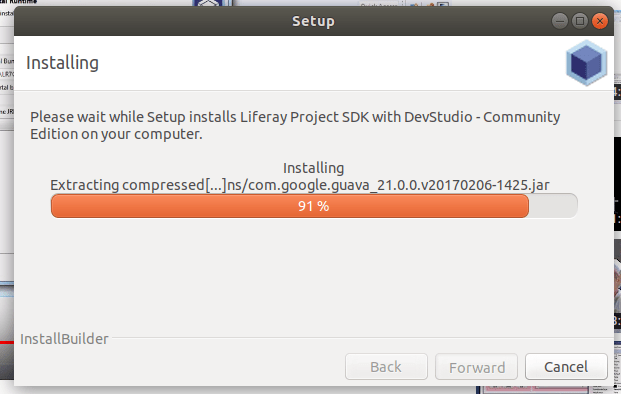

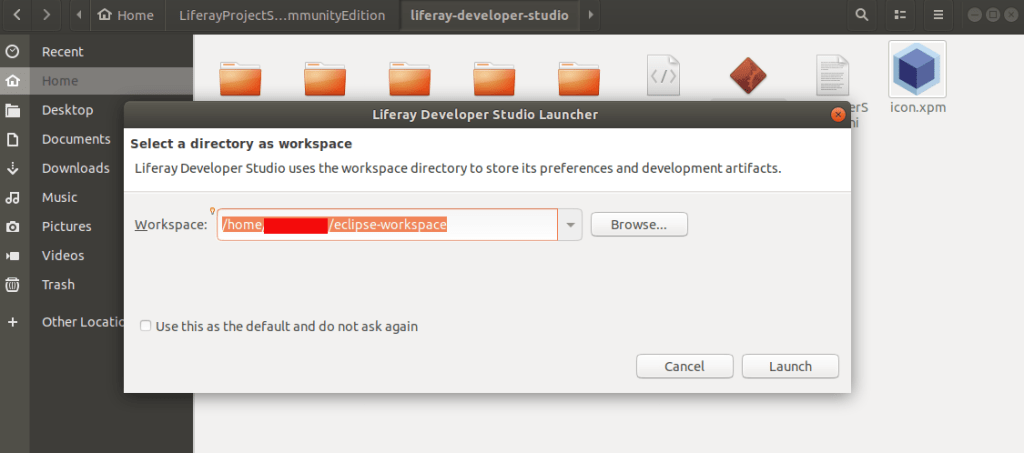
After install Open it. Double click on the following file:
~/LiferayProjectSDKwithDevStudioCommunityEdition/liferay-developer-studio/DeveloperStudio
you can see the welcome page. Close it.

Click on Workbench to start on

You can create liferay plugins / projects etc from here.
Step 3. Click on right corner first button and open perspective.
select Liferay plugins

Step 4. Left bottom corner there is ‘Servers’ Tab
right click on it and select ‘New’ -> ‘Server’
Select ‘Liferay inc’ -> Liferay 7.x and click next
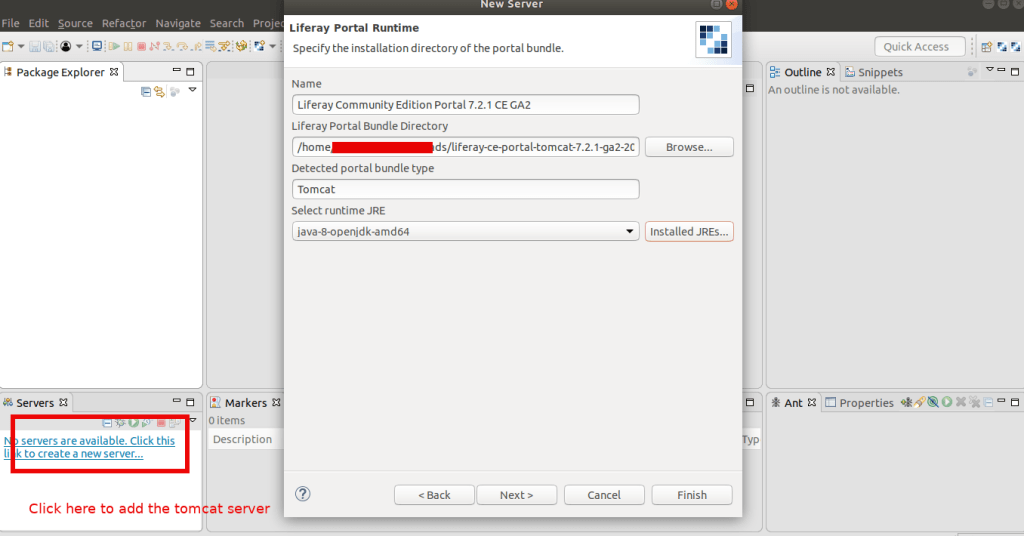


Make sure you are using the timestamp folder in the path of the server, else it not gonna work. It will show you an error like this:


 The Rails Drop